Dashboard
Introduction
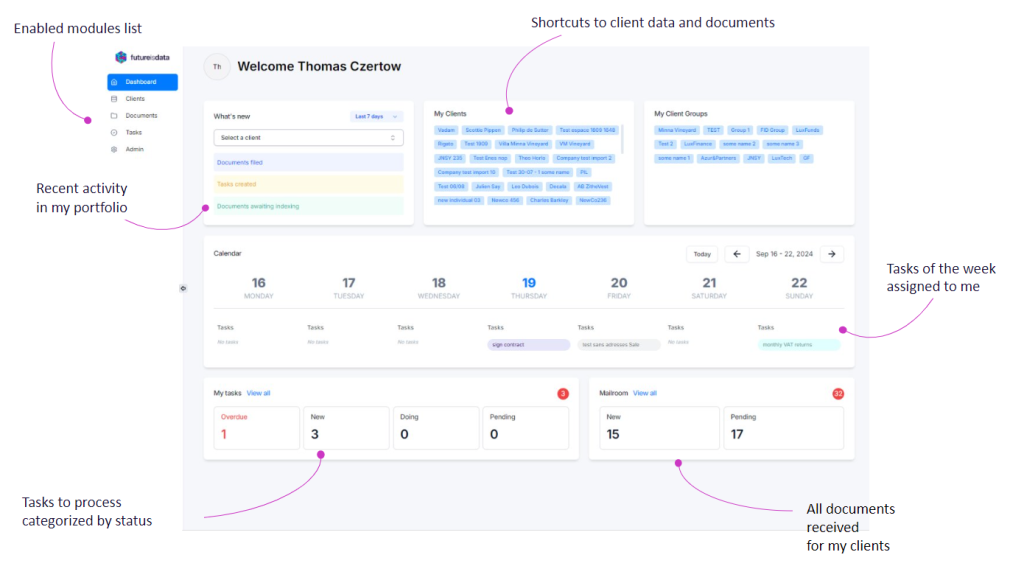
The dashboard will allow you to view the key information you need to manage your daily work.
Here’s a breakdown of what you can see and do from the dashboard:
Note
Each section of the dashboard will redirect you to the appropriate module, filtered by the correct criteria.
What’s new
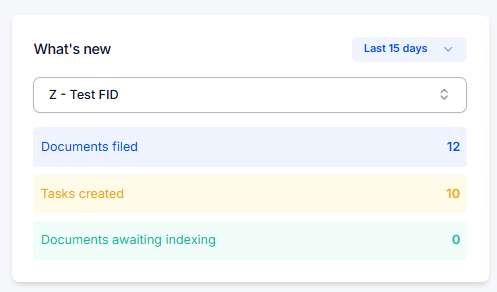
View the recent activity in your portfolio by selecting the client and the time period to filter the suggested KPIs.
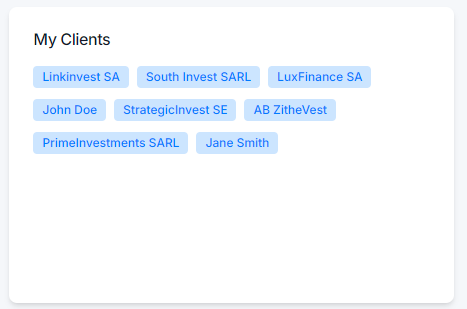
My Clients
View all the clients you’re assigned to and be redirected directly to the client form when you click on them.
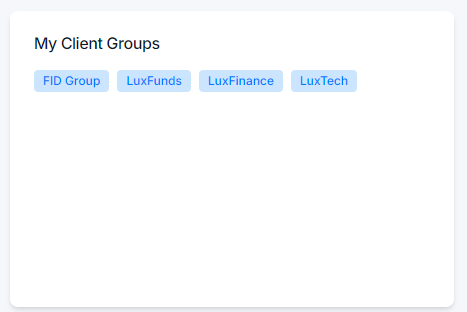
My Clients Groups
View all the client groups you’re assigned to and be redirected directly to the filtered client list for the selected group when you click on them.
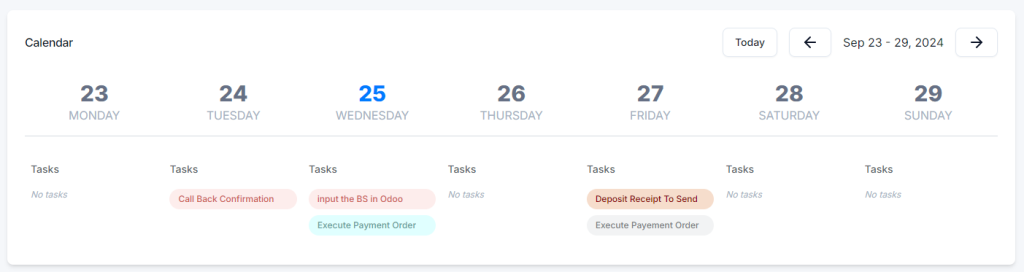
Calendar
View all your assigned tasks that are not yet done in a calendar format. Navigate through the weeks and update tasks on the fly as needed.
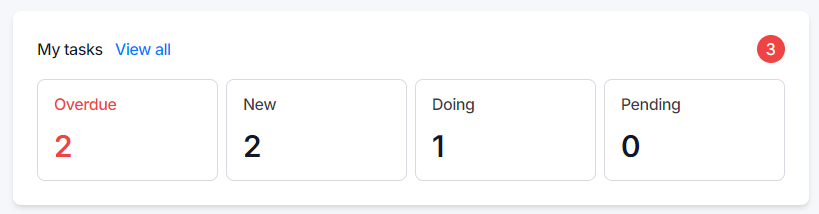
My tasks
View all the tasks assigned to you based on their status or deadlines and be redirected to the filtered task list based on the module you click on.
Mailroom
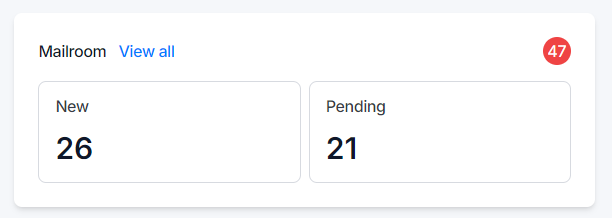
View all the documents in the mailroom assigned to your clients, filtered by their status and be redirected to the filtered mailroom documents based on the module you click on.